Opening in Expo Go...

BrainFog

Private voice diary app — journal by speaking, keep everything on your device

1

Download Expo Go

Expo Go is a free app to test mobile apps

2

Scan QR Code

Use your phone's camera or Expo Go

Open in Expo Go

Private voice diary app

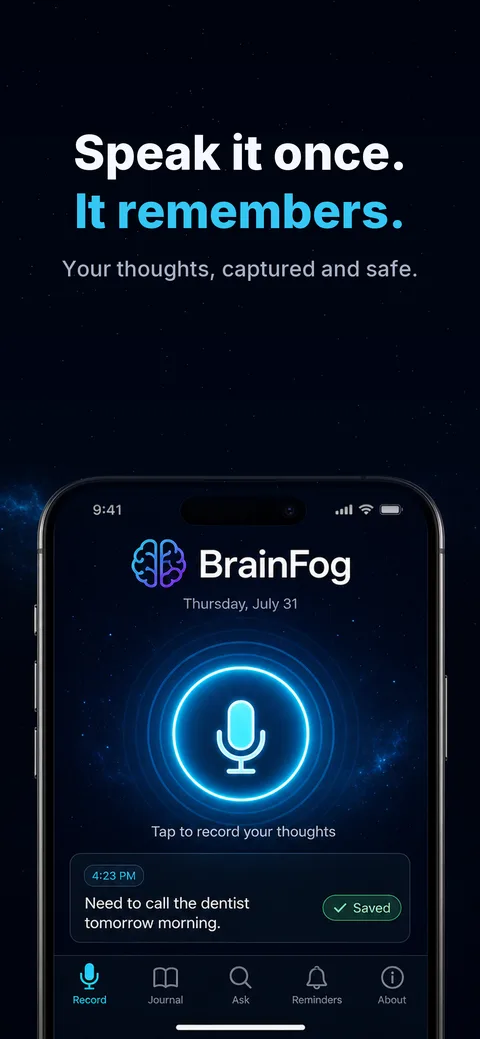
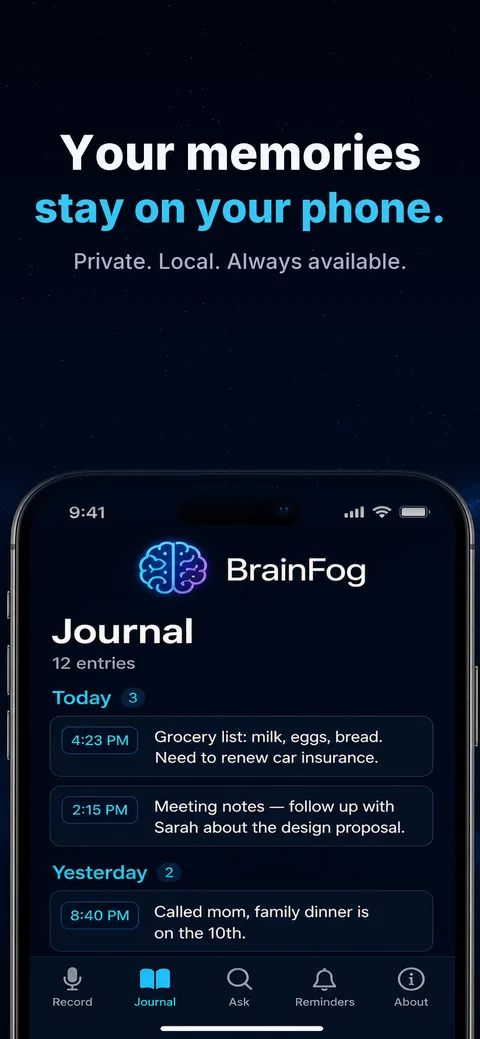
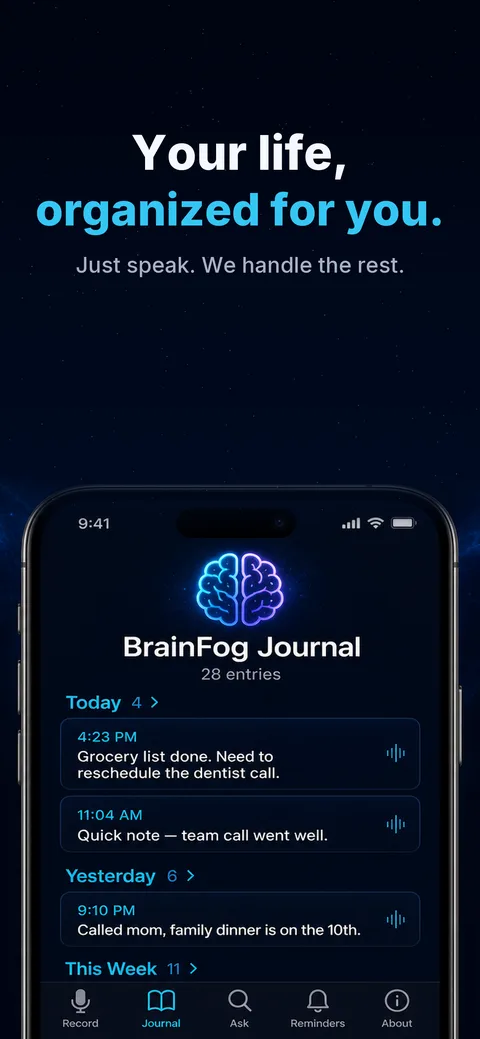
BrainFog lets you capture memories, thoughts, and daily moments by speaking naturally into your phone. Every entry is stored exclusively on your device — nothing is ever uploaded or shared with a server.

  • Record voice entries with one tap — no typing required
  • All data stays on your device, fully private
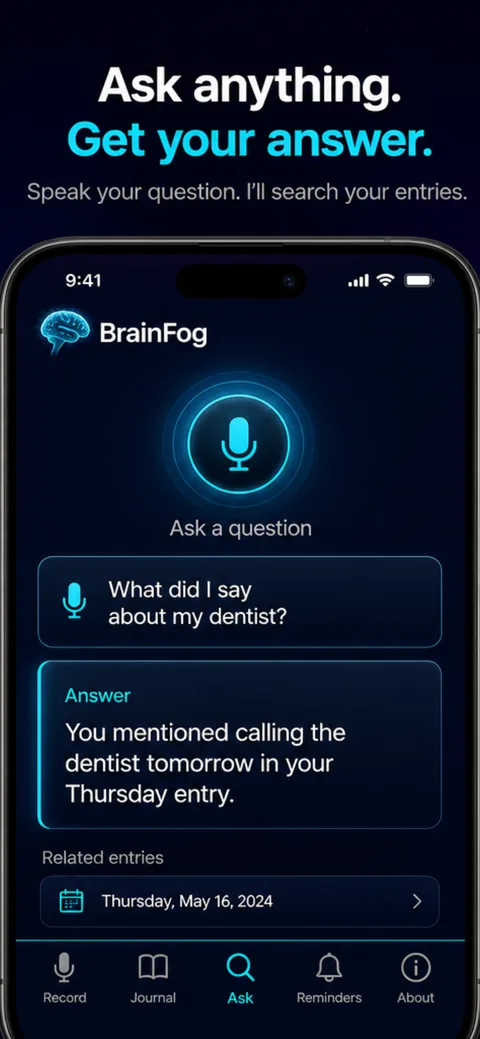
  • Search and browse your personal diary with AI assistance
  • Export and import your entries as a portable JSON file
  • Protect your diary with biometric lock (Face ID / fingerprint)
  • Works offline — no internet connection needed to journal

How it works

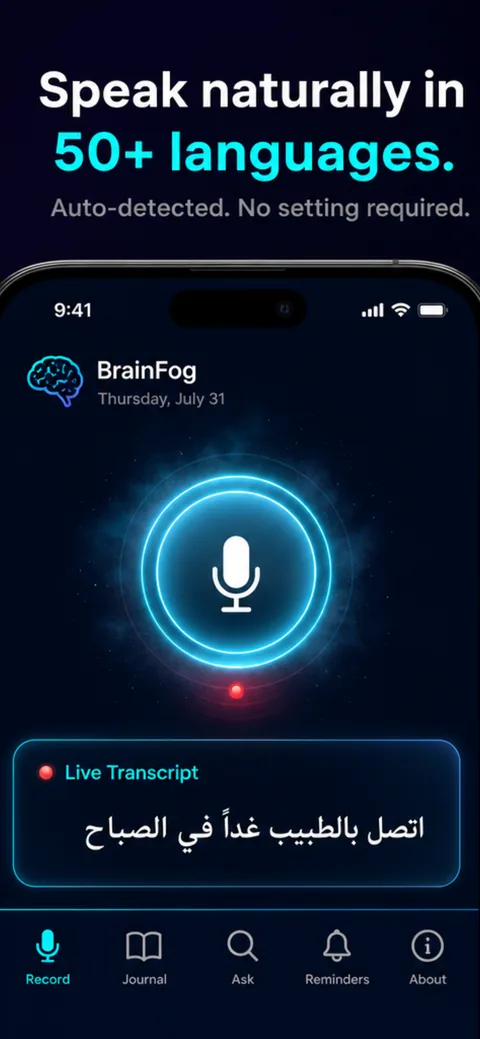
Open the app, press Record, and start talking. BrainFog transcribes your voice into a diary entry instantly. Later, use the Ask tab to ask questions like "What did I do last Tuesday?" or "When did I mention my dentist appointment?" and get answers drawn from your own entries.

Frequently asked questions

Is my diary private?

Yes. All entries are stored only on your device. The AI assistant processes your questions in real time and never retains your entry text.

Does it work without internet?

Reading, writing, and browsing entries works fully offline. Voice transcription and the Ask feature require a brief internet connection.

Can I back up my entries?

Yes. Export your diary as a JSON file at any time from the About screen and import it on any device running BrainFog.

What platforms does it support?

BrainFog runs on iOS and Android. Use the QR code above to open it directly in Expo Go.